Privacy Information
A clear explanation of the information you choose to share.
Your enquiry information.
The form asks for contact information and project details. Only provide information needed to explain your project, and avoid sensitive personal information.
Explore Privacy Information and find the right starting point for your property.
Current form behaviour
Without a configured submission provider, form details stay in your browser until you download them as a text file. The website does not send the enquiry or save the entered values in local storage. Keep downloaded files secure.
When sending is enabled
A configured form endpoint receives the details you submit so the project enquiry can be assessed and responded to. Before launch, the website owner must identify the provider, retention arrangements and a verified privacy contact here.
Website delivery
The contact page includes a Google Maps embed. Loading or interacting with the map connects your browser to Google, which may process technical information such as your IP address under Google’s privacy policy.
Fonts and images are served locally. No analytics or advertising trackers are included. The eventual hosting provider may process technical request information, such as IP addresses, to deliver the site.
Deciding what to include in a drainage enquiry
You only need to share what helps describe a drainage problem. This is general guidance, not a policy statement, and it aims to help you send useful details without oversharing.
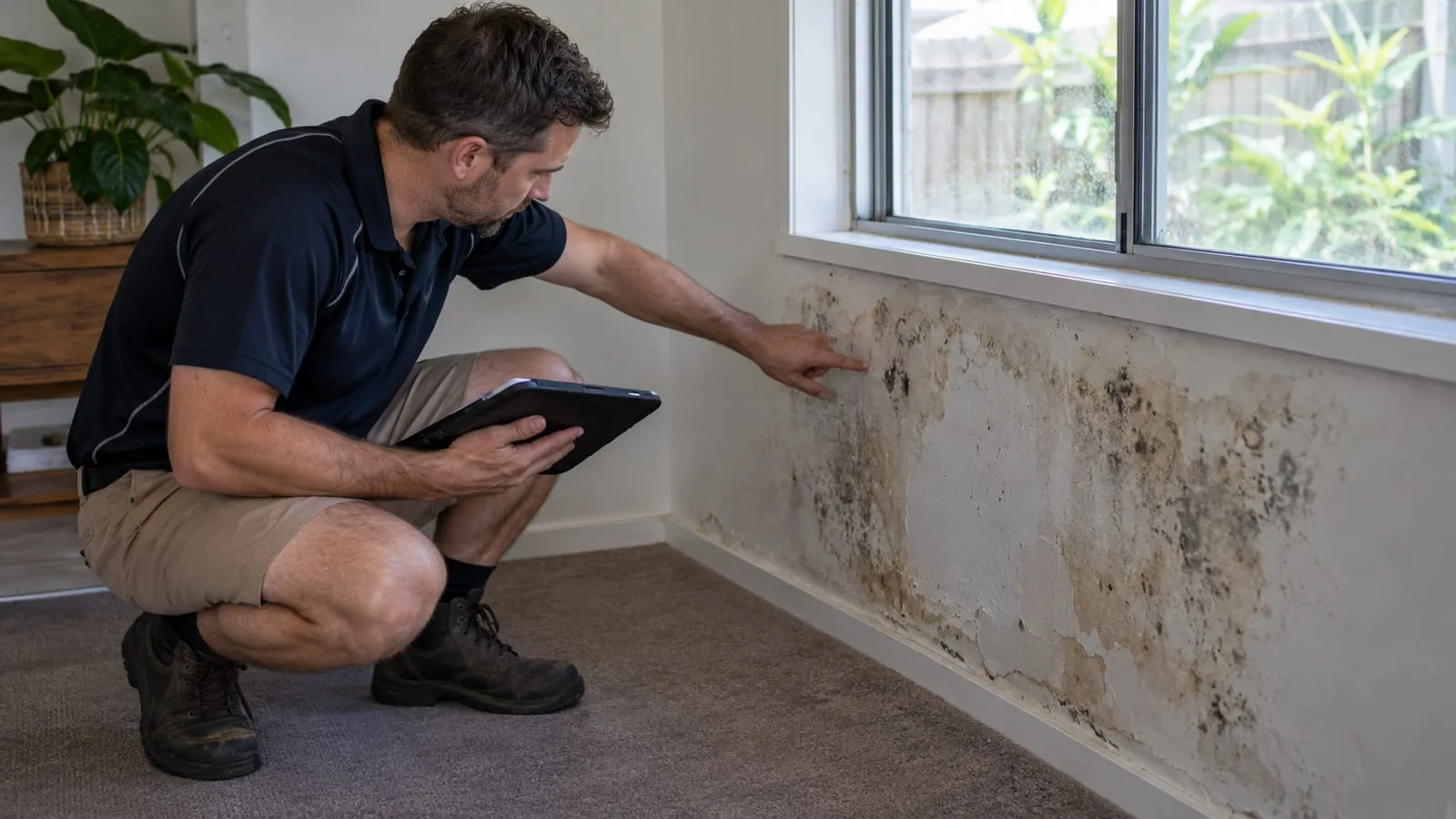
Useful details include the suburb, property type, what you see and when, and photos of the affected area. You usually do not need to include financial details, identification documents or passwords. Consider whether a street address is needed at the first stage, or whether the suburb is enough to start a conversation. If unsure what to include, ask before sending anything sensitive.
Helpful details
Suburb, property type, symptoms, timing and photos of the problem area usually give enough to begin a useful conversation.
Probably not needed
Identification numbers, banking details and passwords are not needed to describe a drain problem, so leave them out.
Address detail
Consider whether you need to share the full street address at the first message, or only the suburb.
When unsure, ask
If you are not sure whether a detail is appropriate to include, ask first rather than sending it.
Handling photos and site plans before you send them
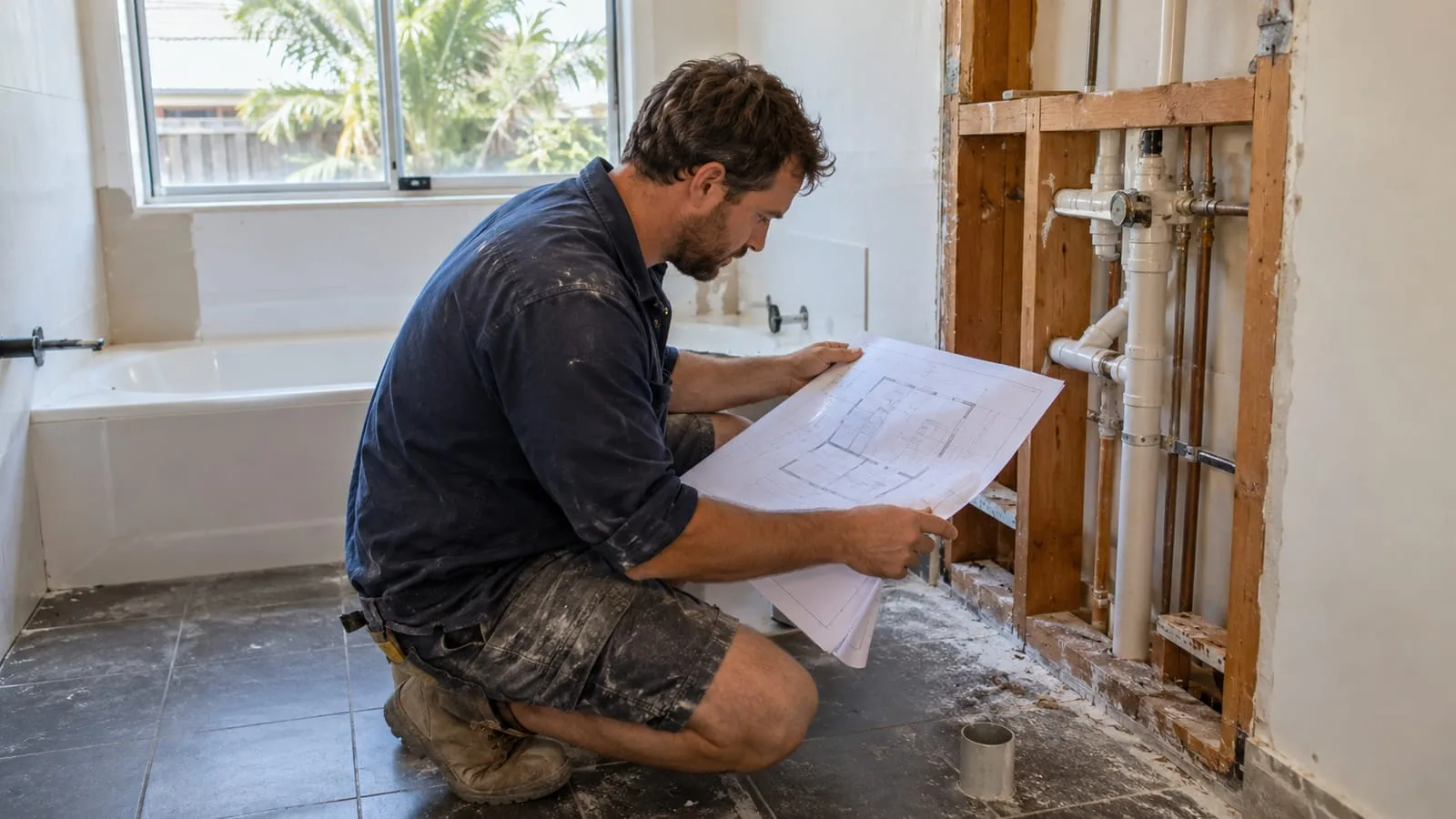
Photos and plans often capture more than you intend. A quick check before sending can remove personal details that do not help explain the drainage problem.
Look at each photo for things like house numbers, vehicle registrations, documents on a table, people or neighbours’ properties. Crop or retake if needed. Site plans and title documents can carry names, lot numbers and signatures, so consider sending only the pages that show pipes, levels or layout. Keep the originals safe on your own device, and send copies.
Check photo backgrounds
Look for number plates, house numbers, mail, people and neighbours’ yards that are not needed to show the drain.
Crop and retake
Cropping to the problem area is simple and keeps attention on the drainage rather than the surroundings.
Send relevant pages only
For plans or reports, share the pages that show pipe routes or levels rather than entire personal documents.
Keep your originals
Send copies, not originals, and keep the full set on your own device or in your own records.
Checking your details before you press send
A short read-through catches mistakes that cause delays or share more than intended. Think about who will read the message and whether every detail still needs to be there.
| Re-read your message | Check the suburb, the description and your contact details are correct and clear, so replies reach you without delay. |
|---|---|
| Right person to send | Tenants, owners and managers may each need permission. Confirm who should make the enquiry for the property. |
| Hold back what can wait | Some details can be shared later, once you know who you are speaking with and what the next step is. |
| Use listed contact options | Use only the contact methods currently shown on the contact page, since online sending is not connected yet. |
How to ask about the information you have shared
If you have sent details and later have questions, you are entitled to ask. This is general guidance only, and does not describe a formal policy or legal position.
If you want to know what information you have provided, or wish to correct or withdraw something, contact us using the details shown on the contact page and describe what you shared and when. Include the way you contacted us, so the message can be found. This page does not set out retention periods, third parties or legal rights. For formal questions about your rights, consider independent advice.
Say what you sent
Describe the message, photos or plans and roughly when you sent them, so they can be located.
State what you want
Be clear whether you want to check, correct or withdraw something, so the request can be understood.
Use the contact page
Reach us through the options on the contact page, as online sending is not connected yet.
Independent advice
This page is general guidance, not a policy. For formal rights or legal questions, seek independent advice.